Learn how to install Magento 2 PWA Studio step by step. This guide covers setting up your development environment, configuring PWA Studio.
Step By step guide to install magento 2, PWA studio (Venia theme)
Prerequisite
A working magento 2 project
yarn installation
owner permissions to the directory in which you want to install the project setup
Process
In this artilce we will guide you step by step to install and run PWA studio in the magento 2 environment. **Please note this article does not support the installation process for windows systems.
Running Scaffloading tool
Open your terminal and navigate to your desired directory and then run the following command
yarn create @magento/pwa
It will give a set of interactive questions which you can answer as per your convenience
Now enter into the directory in which your project is setup
cd pwa-studio-fundamentals
Now you have to create a custom virtual host for the PWA project to run adding a SSL and generating the hostname using the following command will do.
Pwa consists of the service workers and push notifications and requires HTTPS secure domains only. So the development environment must serve the HTTPS host to have an equal match to the production or live application
When working on multiple storefront projects, it’s essential to assign a unique hostname to each project to avoid conflicts with service workers or port usage. Luckily, PWA Studio offers a straightforward way to set up custom domains and SSL certificates for your local development environment
Using the command below you can generate the custom SSL certificate
yarn buildpack create-custom-origin ./
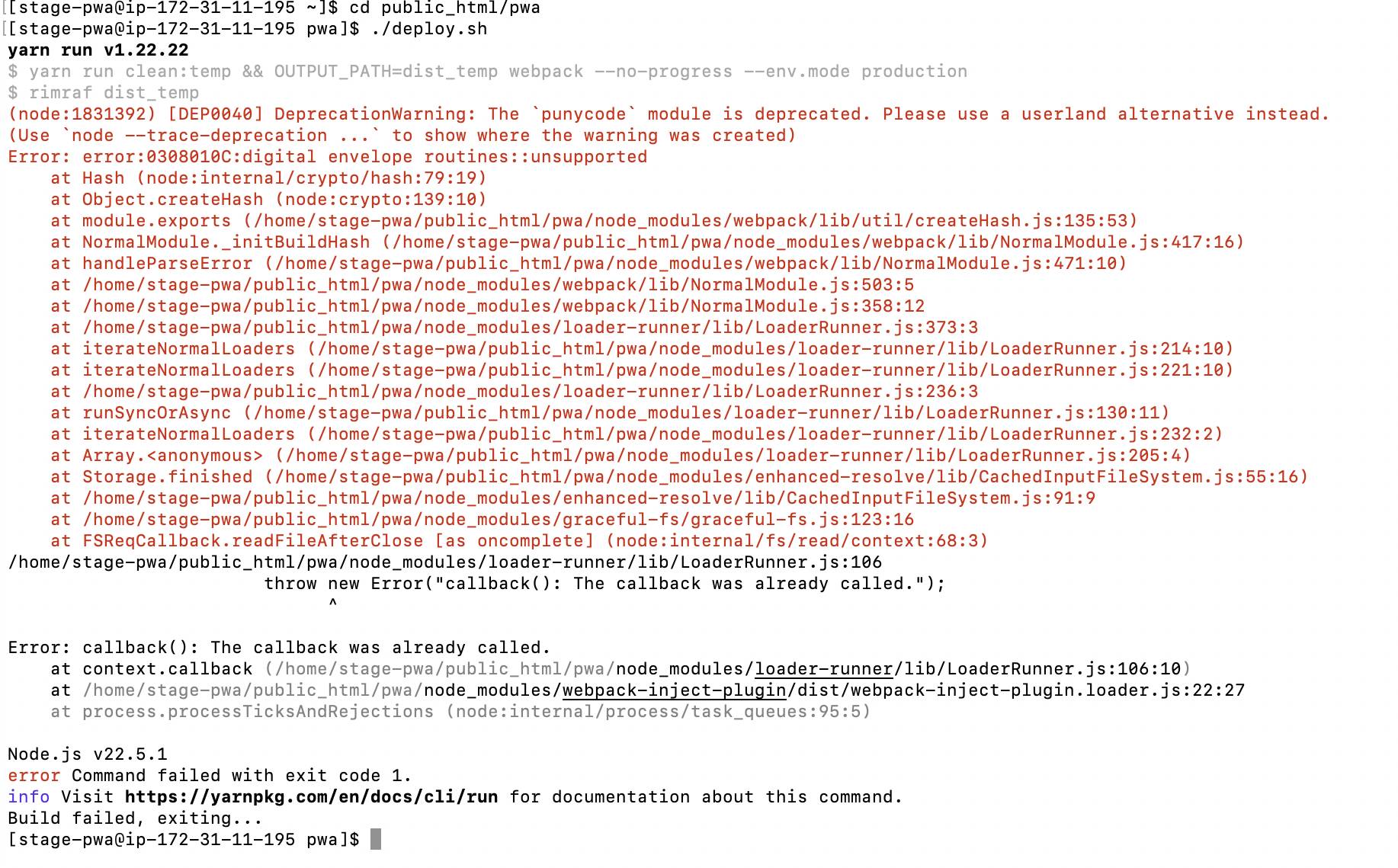
If you encounter an error similar to the below image “error:0308010C:digital envelope routines::unsupported”
to resolve this issue you can use the command below
export NODE_OPTIONS=--openssl-legacy-provider
Now if all the above process is completed without any trouble, then you can now run your application. using the “yarn watch command”
yarn watch
It will start a development server which allows you to make changes to the application.